
Host a Live Quiz with your community
Your code is permanent: add it to your overlay, channel description or chat command. Every new live uses the same code and automatically sends viewers to your active session.
100 € / an ou 12 € / mois
Le mode animateur est payant pour le créateur : 100 € pour 12 mois réglés en une fois via Stripe, ou 12 € par mois sans engagement. Chaque session accepte jusqu’à 100 viewers. Les viewers n’ont rien à payer. Une licence cadeau Gamersmile peut activer l’accès pour une durée définie ou sans expiration.
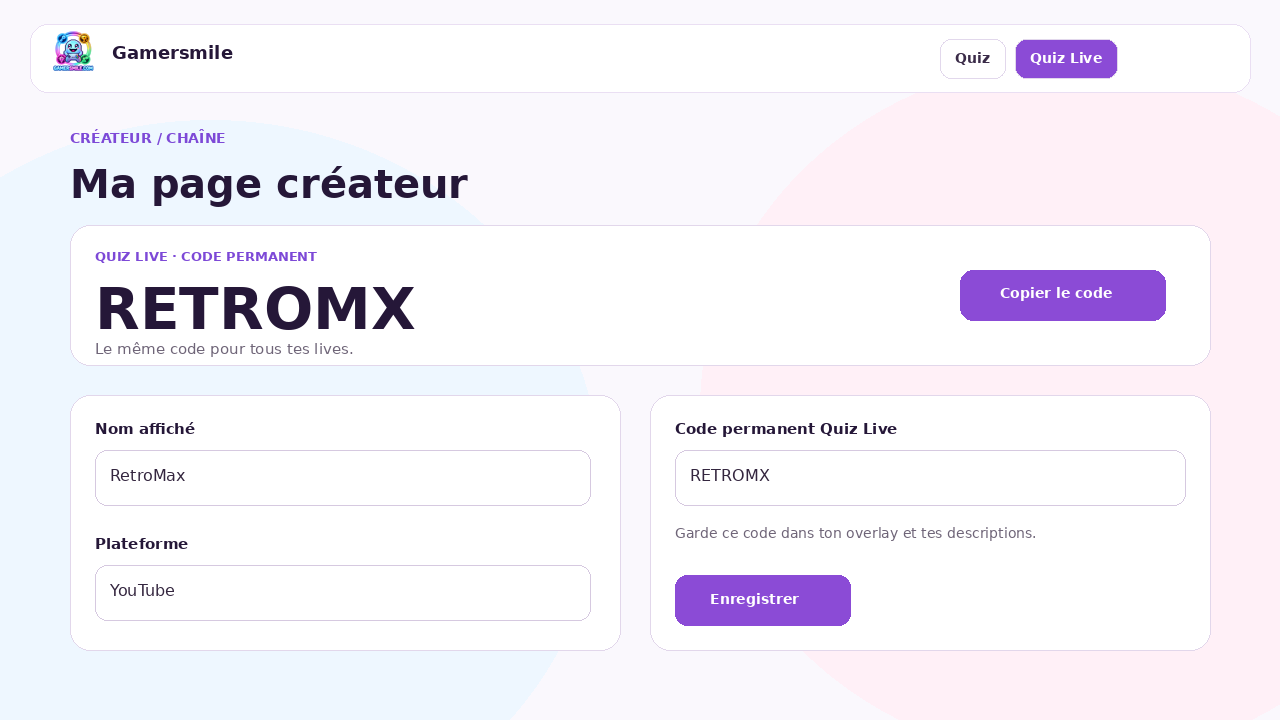
1. Set up your creator account
Add your channel, enable your public creator page and check your permanent code. You can use 4 to 10 letters/numbers. Once shared, keep it stable.
2. Create the session before going live
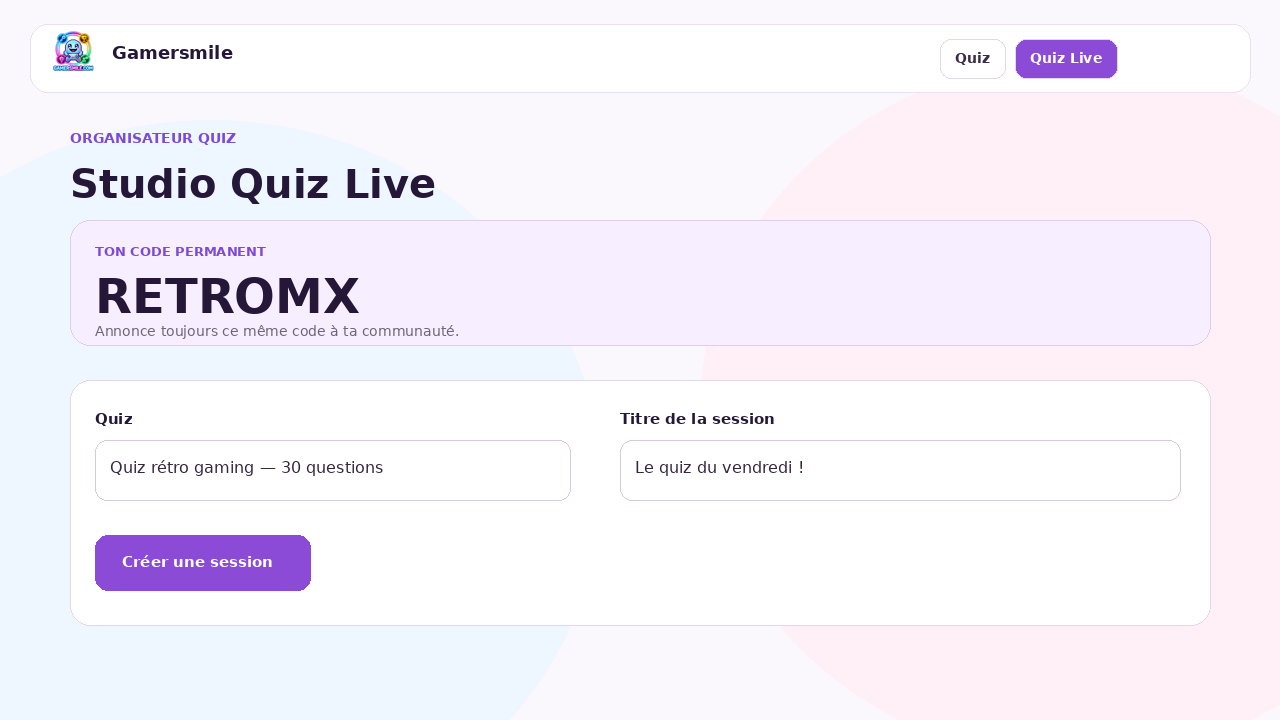
In Live Quiz Studio, choose the quiz, enter a session title and create the session. The lobby opens immediately, but questions do not start yet.
3. Share the code with viewers
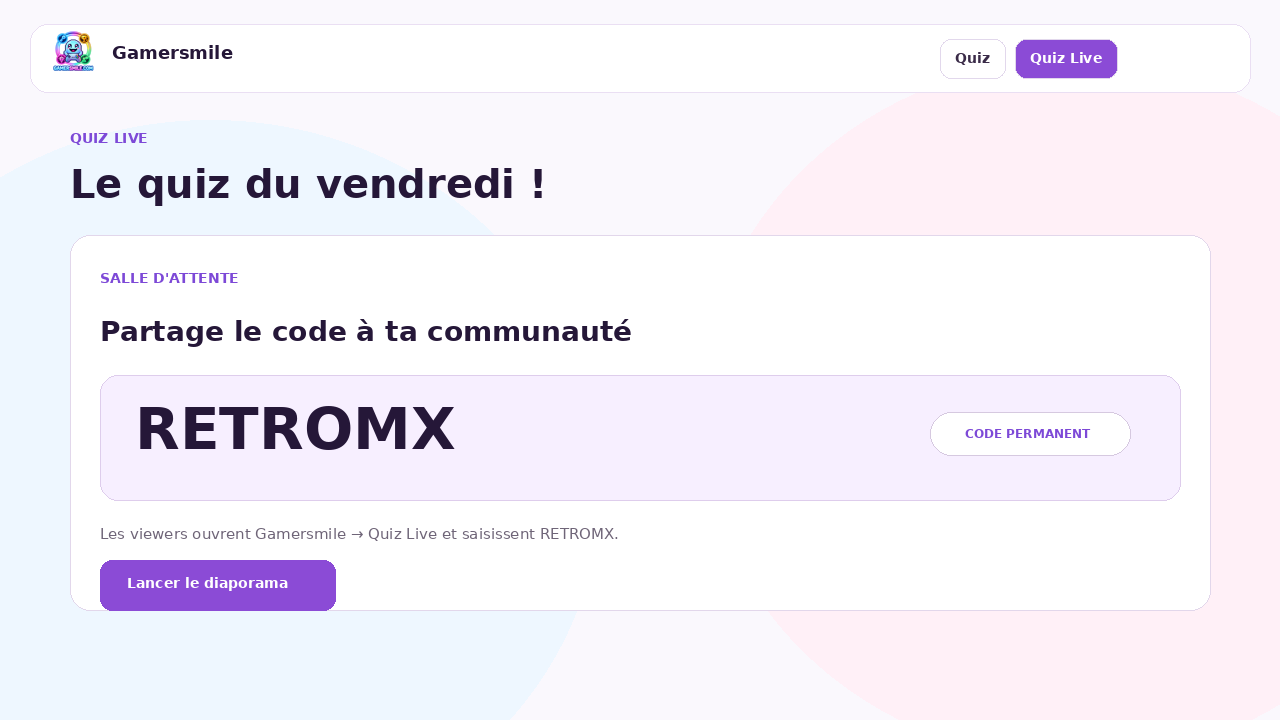
Say your permanent code on stream, post it in chat, your description or overlay. Viewers open Gamersmile > Live Quiz, enter the code and join your lobby.
4. Host during the stream
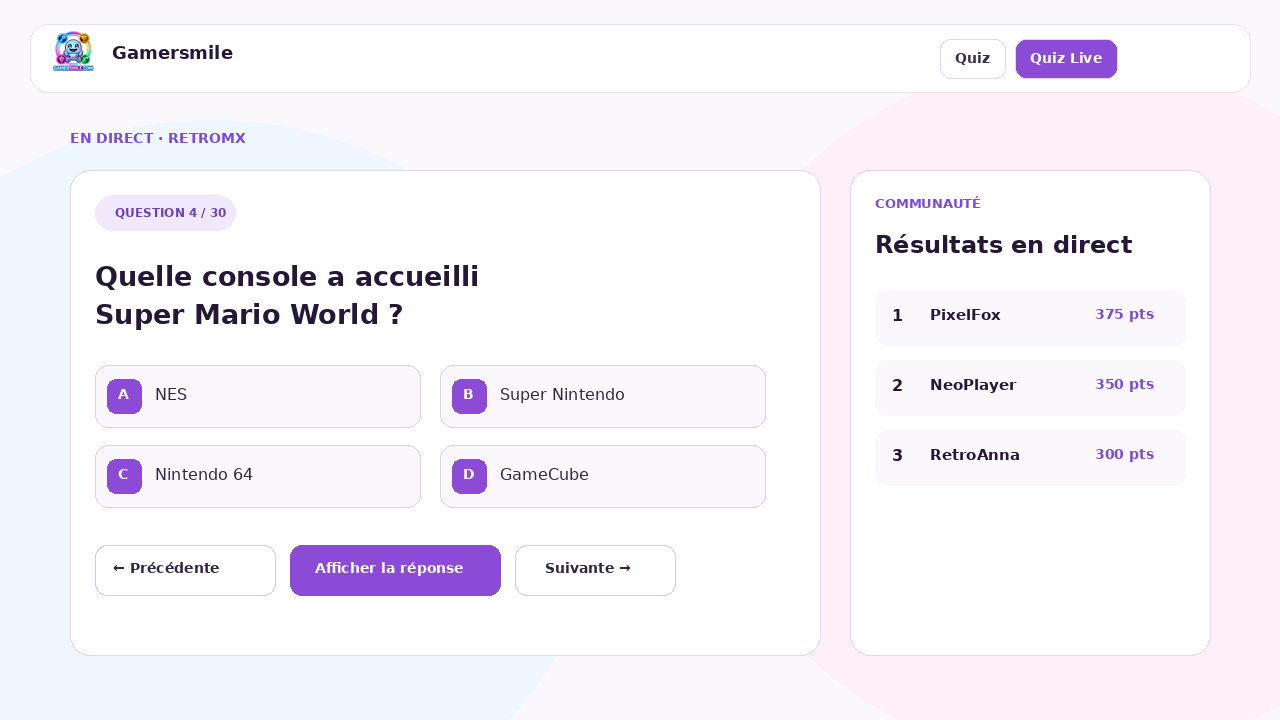
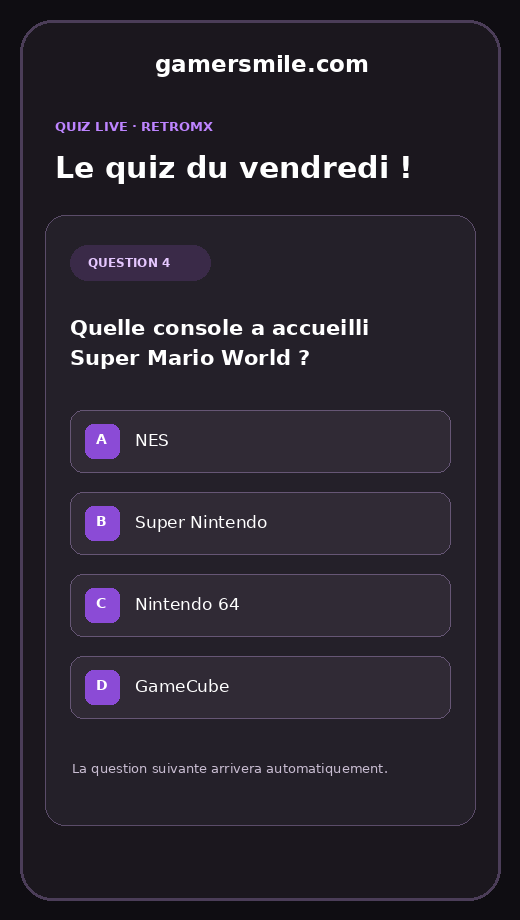
When ready, start the slideshow. The same question appears for everyone. Use Reveal answer and Next. Phones and browsers synchronize automatically.
5. What viewers see
Viewers watch your stream and answer on a phone or computer. They do not reload between questions. Answers stay in local browser storage with no SQL write per question, then are sent as one batch at the end.
6. Finish and read the results
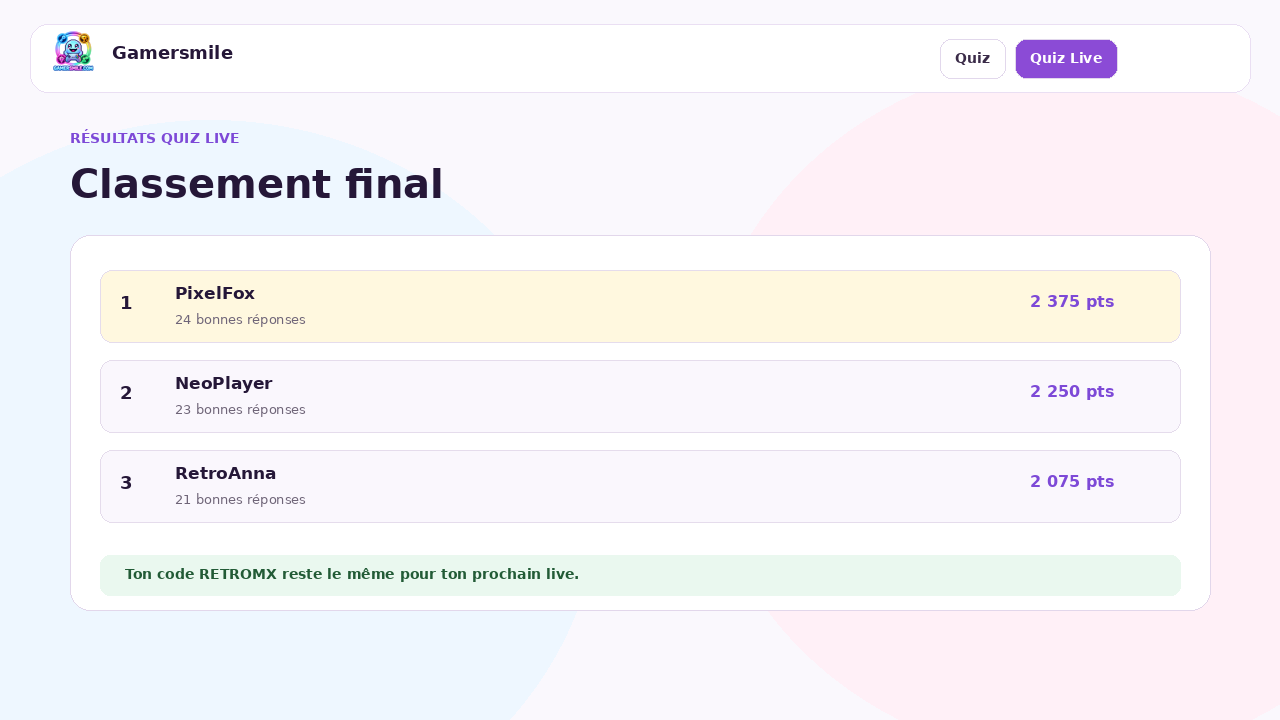
End the session when the quiz is over. Browsers send their answers in one batch, then the leaderboard shows scores and correct answers. Your permanent code remains the same for your next stream.
Tips for a smooth live
- Warn viewers that stream latency can create a few seconds of delay.
- Only move to the next question after viewers have had time to answer.
- Put your permanent code in a chat command such as !quiz.
- Keep Live Quiz Studio open in a separate tab from your streaming software.
- Before going live, test the viewer link on your phone using your permanent code.
Frequently asked questions
Does the code change for every live?
No. The code belongs to the creator, not the session. It stays the same until you choose to change it.
What happens when no live is active?
The code remains yours, but no session is joined until you create a lobby or start a live session.
Can I use YouTube and Twitch?
Yes. Live Quiz runs in the browser and is not technically tied to any streaming platform.
Do viewers need an account?
Yes. They use a Gamersmile account so answers and scores can be recorded.